RDP Works from Horizon but Not Your Laptop: What to Check
Technical review: 26 October 2026. Product names, licensing references and procedures reflect this review; check the linked documentation for your release.
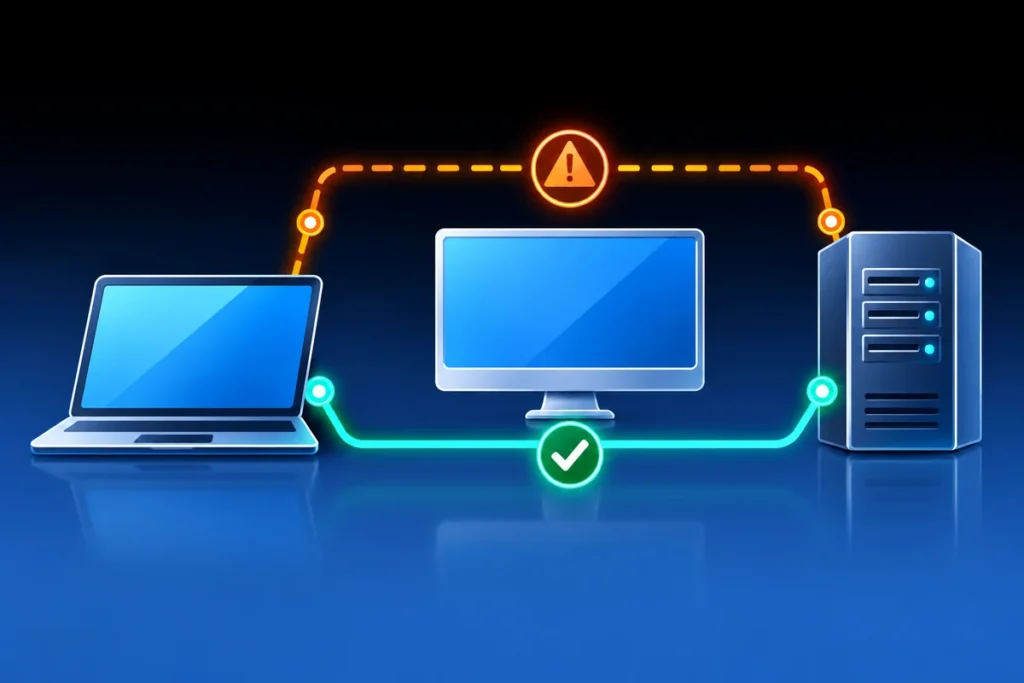
An RDP connection that works from a Horizon desktop but fails from a laptop is useful evidence. It suggests that the destination is reachable through at least one path, while leaving several possibilities open on the other. The next step is a controlled comparison, not disabling the server firewall or assuming that RDP itself is broken.
Compare the same target and protocol
Use the same server name, port and intended account in both tests. Record the resolved destination address on each client. Split DNS, short-name expansion and stale records can send apparently identical connections to different hosts. If a nonstandard RDP port is configured, test that approved port instead of assuming 3389.
Resolve-DnsName server01.example.com
Test-NetConnection server01.example.com -Port 3389 -InformationLevel Detailed
Run these checks from the working and failing Windows sessions and compare the destination, selected source address and TCP result. The example name is fictitious. A successful TCP test proves a transport handshake, not successful Network Level Authentication, authorization or a usable desktop session.
Map the paths that differ
A Horizon session may originate inside a datacenter network, while a laptop uses a VPN, Microsoft Entra Global Secure Access or another access service. Record the relevant client connection state and the application or forwarding policy that should carry the traffic. Being signed into an access client does not guarantee that this destination is included.
Compare routes, proxy/access-agent logs, applicable connector health and upstream firewall observations. Ask the network team to trace the specific source-to-destination flow and timestamp. Do not substitute an unrelated successful ping: ICMP and TCP can follow different policy decisions, and a successful connection to a DNS server says little about access to a management subnet.
Separate transport from sign-in failure
| Observation | Next investigation |
|---|---|
| Name resolves differently | DNS suffixes, split DNS and stale records. |
| TCP test fails only from the laptop | Client forwarding policy, route, connector, firewall and return path. |
| TCP succeeds but RDP sign-in fails | Credentials, NLA, account rights, certificate/trust and server-side logs. |
| Both clients fail | Destination service, shared network dependencies and recent changes. |
Use server event logs to establish whether the failed attempt reached the destination. An absence of a particular log event is not conclusive unless you know the relevant auditing is enabled. Collect a small time window instead of repeatedly generating failed sign-ins that could lock an account.
Make one reversible change at a time
Keep the working administrative session available. If a policy or route correction is required, record the original value, its scope and the expected result before applying it. Avoid global exclusions, disabling endpoint controls or opening RDP to the internet as a diagnostic shortcut.
Validate again from both locations after the approved correction, including the intended user and actual desktop session. A useful closure record states which layer failed and what evidence changed. It should not claim that Horizon “fixed” the server merely because it offered a different network path.
References
- Microsoft: Test-NetConnection
- Microsoft: general Remote Desktop connection troubleshooting
- Microsoft: Global Secure Access troubleshooting