Centralize Docker Logs with Loki, Alloy and Grafana
Technical review: 26 October 2026. Product names, licensing references and procedures reflect this review; check the linked documentation for your release.
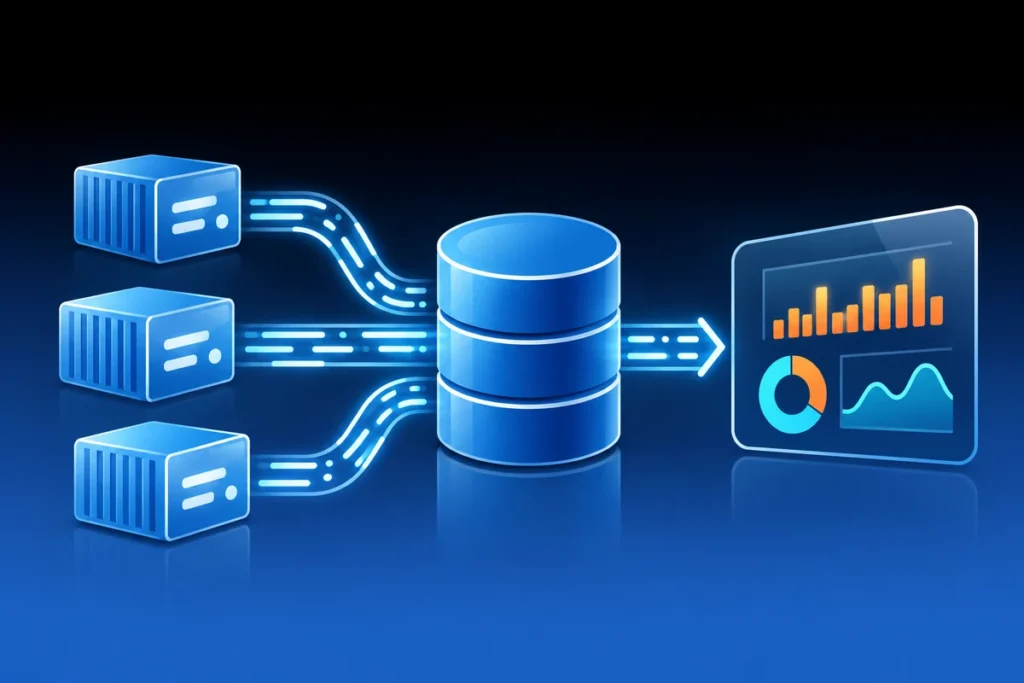
When a service moves between Docker hosts, finding its logs should not require guessing which node currently runs it. A small centralized logging stack can make troubleshooting much faster: Grafana Alloy collects logs, Loki stores them and Grafana provides the query interface. Begin with one service and prove the entire route before collecting everything.
Give each component a clear job
Choose an Alloy collection pattern supported by the Docker deployment: host/container discovery, the appropriate log source and a write endpoint for Loki. Run the collector where it can observe the intended workloads, including rescheduled tasks in a Swarm environment. Confirm the architecture and image support for the actual hosts.
Loki needs deliberate storage, retention and capacity choices. Grafana needs a working data source and authorized access to it. A dashboard that loads successfully does not prove fresh logs are reaching the backend, and a healthy Loki process does not prove any collector can write to it.
Use labels that stay manageable
Choose stable labels such as environment, host and service. Avoid turning every request ID, user name or unique URL into a label value: a large number of unique combinations creates excessive streams. Keep high-cardinality details in log content or supported structured metadata instead.
Preserve the original event timestamp and identify the source clearly enough to distinguish replicas. Decide how multiline application messages should be handled before relying on error counts. An unparsed stack trace can otherwise look like several unrelated events.
Start with a simple query
After configuring a service label, an illustrative LogQL query is:
{service="example-web"} |= "error"Replace the service value with a label actually present in your deployment. This line filter is case-sensitive and will not match every form of ERROR or structured severity field. Inspect representative raw events before building alert rules or declaring that a quiet panel means the application is healthy.
Use the smallest time range that answers the incident question, then broaden it when necessary. Keep queries and dashboards understandable; a complicated filter that hides the error you need is worse than a modest amount of visible noise.
Prove fresh delivery and consider failure modes
- Generate a harmless, identifiable test message from the selected application.
- Confirm that Alloy collects it and Loki accepts it.
- Find it in Grafana using the expected timestamp and labels.
- Restart or reschedule the test workload and confirm collection continues.
Protect the Loki endpoint and the Grafana interface separately. Access to the Docker socket is highly privileged even if a mount is labeled read-only; design collector access accordingly. Logs can also contain tokens, personal data and internal addresses, so configure retention and reader access deliberately.
Back up configuration and dashboards, and state separately whether raw log history is included. If storage is on a NAS, test the expected behavior during a mount outage and recovery; component health checks are not a continuous end-to-end delivery test. The isolated restore checklist helps distinguish a recoverable logging service from an archive that has never been opened.