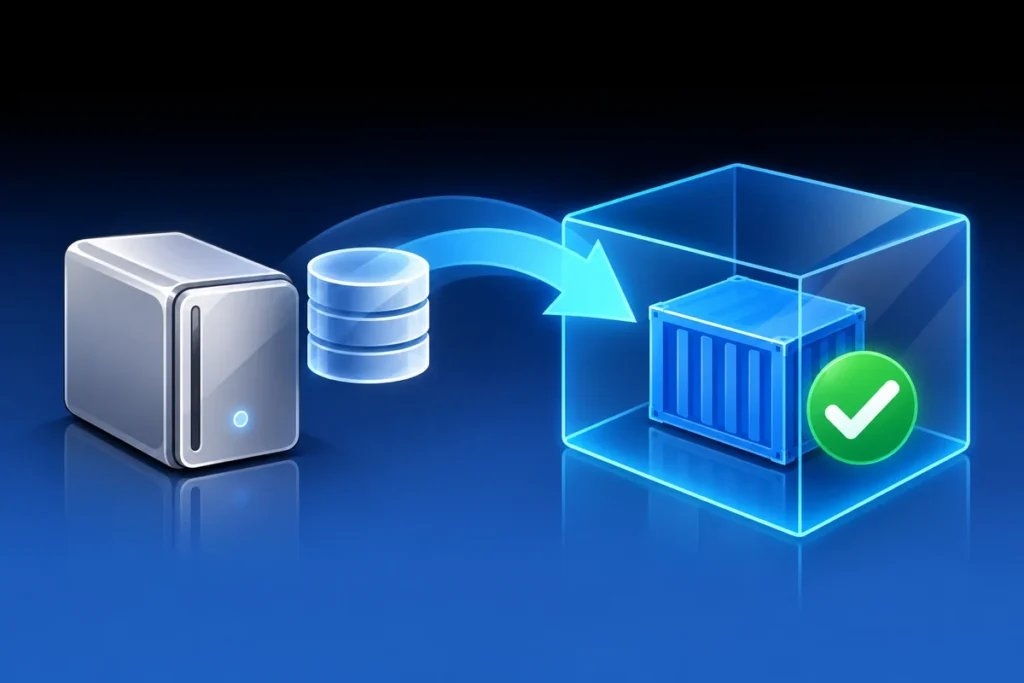
Test Your Docker Backups with an Isolated Restore
Technical review: 26 October 2026. Product names, licensing references and procedures reflect this review; check the linked documentation for your release.
A backup job reporting success is evidence that a job finished, not that the application can be recovered. A practical restore test starts a separate copy, checks real application state and records what remains untested. The important design choice is isolation: the copy must not behave like a second production system.
Define the recovery set
Inventory the database, persistent files, deployment configuration, image versions and required secrets. State what the archive omits, such as raw log history, external object storage or a NAS outside the backup scope. Keep secret-bearing backups restricted and encrypted where the storage policy requires it.
Use the database engine’s supported consistency method. Copying a live database directory through a generic volume archive is not automatically a consistent logical backup. Coordinate database and application files when they must represent the same point in time, and record the source version needed to restore them.
Create a separate destination
Use unique container, network, project and volume names, with an empty recovery target. Do not restore over the production volume to find out whether the archive is valid. Plan the isolation before starting the copied application, not after its first background task has already run.
- Block unintended outbound traffic and expose test interfaces only on an approved local/private path.
- Disable copied email, webhooks, payment integrations and scheduled jobs.
- Prevent DDNS, certificate or automation tasks from changing production services.
- Replace production callbacks and integration endpoints with inert test configuration.
An internal Docker network can help block ordinary outbound connectivity, but it is not a complete sandbox if containers also use host networking, privileged mounts or another connected network. Inspect the full deployment configuration and avoid mounting the production Docker socket into the test copy.
Check integrity, then restore the application
Verify archive readability, expected members and recorded hashes before importing anything. A matching checksum proves byte integrity against the recorded value; it does not prove the backup was complete or internally consistent. Then restore the database and files using the documented engine and application workflow.
Start the isolated copy with a clearly marked test configuration. Check expected table/object counts, application startup, representative records and file attachments. Use a known recovery checkpoint where available so that a blank but healthy-looking installation cannot be mistaken for a successful restore.
Exercise the useful recovery path
Test sign-in and a small representative workflow without transmitting real notifications. Record the time spent restoring, the age of recovered data and any missing dependency. If you only tested an application inside local containers, say so: that does not establish replacement-host, NAS-loss or full-cloud recovery.
Preserve a concise evidence record with the backup identity, versions, commands/procedure, acceptance checks and limitations. Remove only the uniquely named test resources after confirming they are no longer needed. Keep the recovery instructions beside the backup process and repeat the test when a meaningful schema, storage or deployment change invalidates the previous evidence.
This habit is useful for a small homelab and for enterprise services alike. Recovery becomes credible when another administrator can follow the documented path and reach the same verified application state—not merely find a directory full of dated archives.
References
- Docker: volume backup and restore considerations
- Docker: network isolation and internal networks
- PostgreSQL: backup methods and consistency